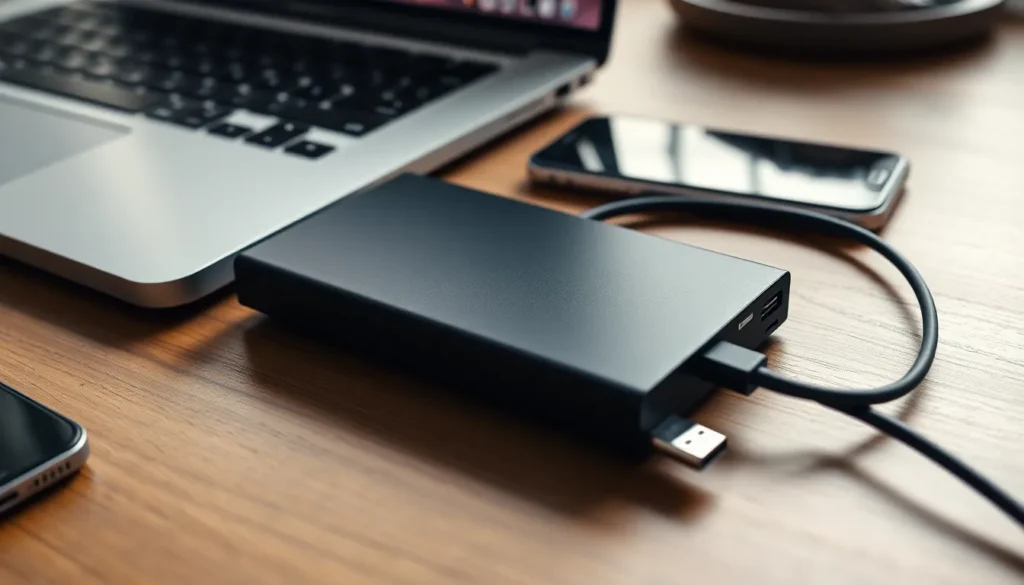
In a world where storage space seems to vanish faster than snacks at a party, external SSDs have emerged as the superheroes of data storage. These sleek little gadgets not only save the day but also make your tech life a whole lot easier. Think of them as the trusty sidekick that carries your files without breaking a sweat—no more waiting for files to transfer like it’s the slowest traffic jam in history.
What Is An External SSD?
An external SSD, or solid-state drive, serves as a portable data storage solution. Unlike traditional hard drives, these devices use flash memory to store data, resulting in significantly faster access and transfer speeds. With read speeds reaching up to 5,000 MB/s, external SSDs prioritize performance for tasks like gaming, video editing, and large file transfers.
Ample storage capacities exist, often ranging from 250 GB to several terabytes, allowing users to backup extensive collections of files. Compact and lightweight, external SSDs offer portability, making them suitable for on-the-go professionals and casual users alike. They connect seamlessly to computers and devices through USB-C or USB 3.0 ports, ensuring compatibility with most modern technology.
In addition to speed and size, durability is another key feature. Designed to withstand shocks, external SSDs often feature rugged enclosures, protecting data from physical damage. This resilience proves beneficial for users who frequently travel or work in challenging environments.
Various brands offer diverse options, including models optimized for gaming, photography, or general use. Each model varies in speed, storage capacity, and price, catering to different needs and budgets. As technology advances, external SSDs continue to become more accessible and affordable, cementing their status as indispensable tools for efficient data management.
Benefits Of Using An External SSD
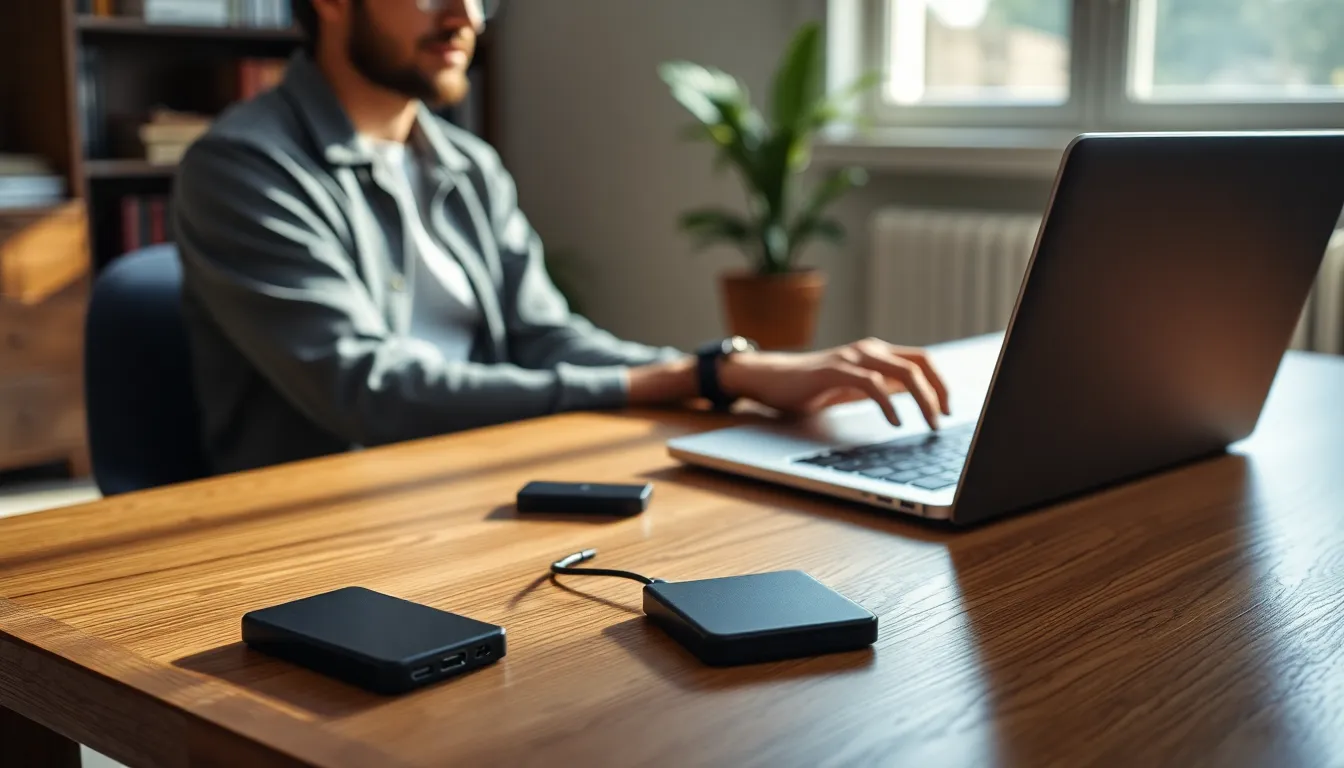
External SSDs provide numerous advantages that enhance user experience and efficiency in data management.
Speed And Performance
Speed defines the primary benefit. External SSDs boast impressive read speeds, peaking at 5,000 MB/s. Performance greatly improves when transferring large files or running applications directly from the drive. Users experience nearly instantaneous access times compared to traditional HDDs, which often lag. The rapid data transfer reduces overall wait times, making tasks such as backing up data or editing video files far more seamless. Reduced latency enhances user productivity, particularly for professionals who rely on high-speed data retrieval.
Portability And Storage Capacity
Portability stands out as another key advantage. External SSDs feature compact designs that easily fit into bags or pockets, ensuring users can carry essential data anywhere. Storage capacities vary significantly, ranging from 250 GB to multiple terabytes, addressing different user needs. This flexibility allows individuals to choose a model that aligns with their specific demands, whether for extensive media libraries or crucial project files. Lightweight construction ensures that portability does not compromise performance. With external SSDs, users can conveniently access and store their entire digital lives on-the-go.
Choosing The Right External SSD
Selecting an external SSD involves understanding specific requirements and features. It’s essential to consider performance, durability, and compatibility.
Factors To Consider
When choosing an external SSD, evaluate speed, capacity, and durability. Users should prioritize reading speeds, with many models offering up to 5,000 MB/s, significantly enhancing data transfer and access. Storage capacity options range from 250 GB for lighter users to several terabytes for extensive file collections. Durability also matters; rugged designs withstand physical shocks and provide added data protection. Additionally, check connectivity options to ensure compatibility with devices, focusing on USB-C or USB 3.0 ports for modern technology.
Popular Brands And Models
Several brands dominate the external SSD market, offering reliable options for various users. Samsung’s T7 series stands out for its speed and sleek design. SanDisk’s Extreme Portable SSD is well-known for durability and performance, making it ideal for outdoor use. Western Digital’s My Passport SSD combines affordability with efficiency, providing solid performance across different tasks. Crucial also offers the X8, praised for its balance of speed and cost. Each brand offers models catering to gaming, photography, or everyday use, focusing on user needs.
Installation And Setup
Installing and setting up an external SSD is straightforward. Users connect the drive to a computer using a USB-C or USB 3.0 port, which most modern devices support. Following the connection, the operating system typically recognizes the SSD automatically.
Formatting the SSD may be necessary for optimum performance. Selecting the correct file system, such as exFAT for compatibility across different operating systems, benefits the user. While Windows users can format the drive using Disk Management, Mac users utilize Disk Utility for the same purpose.
Transferring files to the new SSD is the next step. Dragging and dropping files into the SSD’s folder occurs through the file explorer interface on Windows or Finder on macOS. This process allows for a quick and efficient way to organize data.
Backing up data requires minimal effort. Users can set up automated backup solutions through software such as Acronis True Image or macOS Time Machine. Setting these programs ensures that essential files remain secure and up to date.
Updating the firmware on the SSD may enhance performance. Many brands, such as Samsung or SanDisk, provide software tools for firmware updates. Regularly checking for updates keeps the SSD functioning optimally.
Monitoring storage space is crucial for long-term usability. Users should regularly review available space to avoid bottlenecks during data transfers. Employing tools that track storage metrics can help maintain awareness of capacity usage.
Following these steps makes the installation and setup of an external SSD efficient. Understanding the process ensures users can leverage the speed and portability benefits that external SSDs offer.
External SSDs are revolutionizing the way users manage and store data. Their impressive speed and portability make them indispensable for anyone needing efficient file transfer. With a variety of models available, users can easily find an external SSD that fits their specific requirements, whether for gaming, photography, or general use.
The straightforward setup process ensures that even those less tech-savvy can enjoy the benefits of these devices. By investing in a reliable external SSD, individuals and professionals alike can enhance their productivity and streamline their data management tasks. As technology continues to evolve, external SSDs will undoubtedly remain a crucial component of modern data storage solutions.