Virtual reality has taken the gaming world by storm, but what happens when your shiny new VR headset plays hard to get with your favorite console? It’s like trying to fit a square peg in a round hole—frustrating and slightly entertaining. Understanding VR headset compatibility is crucial for anyone looking to dive into immersive worlds without the headache of technical hiccups.
Overview of VR Headset Compatibility
Understanding VR headset compatibility simplifies the experience for gamers. Different headsets connect to various platforms like PCs or consoles. Compatibility hinges on several factors, including the device’s specifications, operating systems, and display interfaces.
Many VR headsets support direct connections for popular gaming consoles such as PlayStation or Xbox. The Oculus Quest, for instance, can operate as a standalone device but also connects to PCs for enhanced gaming experiences. Specific cables or adapters may facilitate this process and ensure improved performance.
PC systems often require certain hardware to support VR headsets effectively. Graphics cards, processors, and USB ports play crucial roles in delivering a seamless experience. High-end GPUs, such as Nvidia RTX series or AMD Radeon RX series, often meet the performance benchmarks needed for most VR setups.
Mobile VR headsets like Google Cardboard and Samsung Gear VR utilize smartphones for functionality. These headsets generally function well with a variety of smartphones, but compatibility depends on the phone’s display and operating system. Ensuring the mobile device meets specific performance standards enhances the overall VR experience.
Software and platform support also significantly impacts compatibility. Many VR games require specific applications or drivers to run effectively. Updating software regularly ensures compatibility with the latest gaming titles and optimizes headset performance.
Monitoring compatibility across devices and systems becomes essential for an optimal gaming experience. Technical specifications might vary, but staying informed about the requirements provides users with a more enjoyable VR experience.
Factors Affecting Compatibility
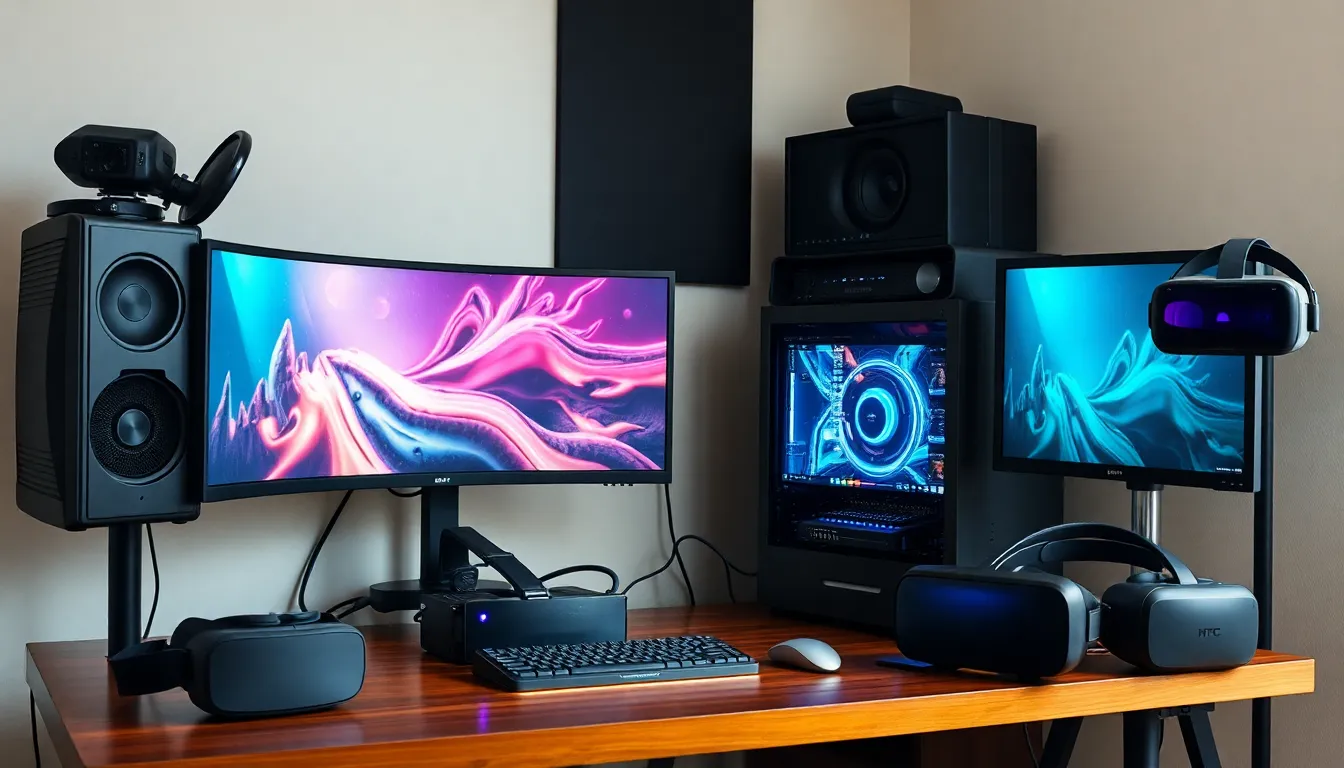
Understanding compatibility factors helps ensure an optimal VR experience. The main areas to consider are hardware and software requirements.
Hardware Requirements
VR headsets require specific hardware to work effectively. A powerful graphics card is essential for rendering immersive environments, while a fast processor enhances overall performance. Memory requirements often include at least 8 GB of RAM. High-resolution displays contribute significantly to visual clarity. Notably, systems should support HDMI or DisplayPort connections for seamless integration. Popular headsets, such as the Oculus Rift and HTC Vive, demand these high-performance components for the best experience. Graphics cards like NVIDIA GeForce RTX 3060 or AMD Radeon RX 6800 provide the necessary performance levels. Additionally, checking manufacturer specifications ensures compatibility across various devices.
Software Requirements
Software plays a critical role in compatibility as well. Each headset typically requires specific operating systems to function. Windows 10 or later versions often serve as a standard platform for most high-end VR headsets. Frequent updates maintain performance and compatibility with the latest titles. Some headsets also require proprietary software for setup and calibration. Game developers ensure their titles support a wide range of headsets, enhancing user experiences. Compatibility with VR platforms like SteamVR or Oculus Home further expands available content. Potential users should always verify software compatibility to avoid technical issues during gaming sessions.
Popular VR Headsets and Their Compatibility
Understanding the compatibility of popular VR headsets aids in making informed purchasing decisions. Below are specifics on notable headsets.
Oculus Quest Series
Oculus Quest and Quest 2 offer versatile compatibility. They operate as standalone devices, eliminating the need for a PC. Users can connect to PCs via Oculus Link for enhanced performance. This versatility suits both casual and hardcore gamers. The Quest series works with several VR platforms, including Oculus Home and SteamVR. Features like hand tracking enhance the immersive experience. Required specifications for optimal performance include a compatible graphics card, such as NVIDIA GeForce GTX 1060 or AMD Radeon RX 480.
HTC Vive Series
HTC Vive headsets, such as HTC Vive and Vive Pro, focus heavily on PC gaming compatibility. High-end requirements necessitate a powerful GPU for flawless performance. These headsets operate extensively with SteamVR, enabling access to a wide array of games and experiences. Position tracking remains precise, thanks to external base stations. Minimum specifications typically include an NVIDIA GeForce GTX 1060 or AMD Radeon RX 480, alongside 4 GB of RAM. Compatibility across various VR platforms offers gamers vast content selections.
PlayStation VR
PlayStation VR connects seamlessly with the PlayStation 4 and PlayStation 5 consoles. Users enjoy a broad range of exclusive titles, enhancing their gaming experience. Setup involves connecting through a specific processing unit that ensures optimal graphics quality. Necessary specifications include PlayStation Camera and Move controllers for motion tracking. This headset supports numerous VR titles available in the PlayStation Store. Compatibility with the latest console updates guarantees a smooth gaming experience.
Testing VR Headsets for Compatibility
Testing VR headsets for compatibility involves using specific tools and methods to ensure optimal performance. Users often rely on compatibility checkers, which assess the necessary hardware and software specifications. Benchmarking tools, such as 3DMark, help in evaluating the system’s performance against the required VR standards. Many enthusiasts check forums and community resources for experiences from other users, which can offer valuable insights.
Tools and Methods
Using manufacturer guidelines provides clear compatibility information. Online compatibility matrices often list supported devices and platforms. External benchmarking software assists users in analyzing their system’s capabilities. Furthermore, VR headset manufacturers may offer dedicated apps to run compatibility tests on systems. Checking the operating system version plays a crucial role, as some headsets only function on specific operating systems and require the latest updates.
Common Issues Encountered
Many users face issues related to outdated graphics drivers, which impact performance. Insufficient RAM can also hinder VR headset functionality, leading to lag or instability. Connection problems between the headset and gaming system frequently occur, stemming from incompatible connectors or cables. Some users encounter issues with tracking when environmental lighting is not optimal. Lastly, software compatibility poses challenges, especially when required applications or games do not support specific headsets.
Future of VR Headset Compatibility
Anticipated advancements in VR headset compatibility focus on unifying standards across devices. Emerging technologies promise to streamline connections between various VR platforms and gaming consoles. Compatibility among different manufacturers could become more standardized, potentially enhancing user experiences.
Developers are likely to create headsets equipped with robust compatibility features. Some industry experts predict that wireless connections may dominate future designs, reducing the need for cables and making setup easier. Improved cloud computing capabilities could expand access to VR content across devices.
Next, software integration plays a pivotal role in the future landscape. Upcoming operating systems may prioritize VR environments, supporting diverse applications and games effortlessly. Developers may also prioritize cross-platform compatibility, allowing users to seamlessly switch between devices.
In addition, artificial intelligence may play a significant role in optimizing compatibility. AI systems might provide real-time diagnostic insights, tailoring VR experiences based on specific hardware configurations. Enhanced user profiles will likely enable personalized settings, improving accessibility for all users.
Moreover, environmental factors will influence compatibility as well. Improvements in augmented reality and mixed reality technologies may redefine how users interact with VR headsets. Expanded compatibility across devices could lead to more immersive experiences.
Ultimately, manufacturers will likely focus on user feedback to drive innovation. Listening to consumers will help identify common compatibility issues, allowing for timely updates and enhancements. Collaboration within the industry can lead to a more integrated and user-friendly VR ecosystem.
Understanding VR headset compatibility is crucial for anyone looking to dive into the immersive world of virtual reality. As technology advances the landscape of VR is evolving rapidly. Gamers must stay informed about their device specifications and software requirements to ensure a hassle-free experience.
With the potential for future innovations like unified standards and enhanced wireless capabilities the VR ecosystem is set to become more accessible. Keeping an eye on compatibility will not only improve gaming experiences but also pave the way for exciting developments in augmented and mixed reality. Embracing these advancements will allow users to fully enjoy the rich possibilities that VR offers.